DTA User Guides
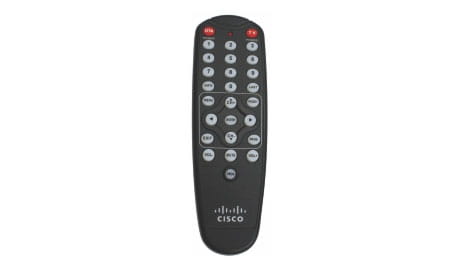
Digital Transport Adapter (DTA) Remote
DTA troubleshooting tips: If the remote is controlling the TV but not the DTA, the remote may be set to RF Mode.
To disable RF mode and set back to IR mode:
Press the "menu" button 2 times.
GVTC Annual Meeting for Members: June 24, 6:30 pm in the Charles J. Knibbe Auditorium, 36101 FM 3159, New Braunfels. Doors open at 5:30 pm. Learn more
DTA troubleshooting tips: If the remote is controlling the TV but not the DTA, the remote may be set to RF Mode.
To disable RF mode and set back to IR mode:
Press the "menu" button 2 times.